MagnusCards®
MagnusCards®1 is an app that consists of step-by-step digital card decks that help elderly, autistic and neurodivergent customers. Accessed through the MagnusCards® app, Regions MagnusCards® card decks provide audio and visual lessons on various banking activities to help customers confidently navigate finances.
Download the MagnusCards® app from Apple's App Store2 or the Google Play3 store to access Regions MagnusCards®.


Steps to access Regions MagnusCards®
- Download the MagnusCards® app from the Apple’s App Store2 or Google Play3 store.
- Follow the instructions to create an account.
- Click the Money Management icon and then click the Regions logo.
Access any of the five banking activities or card decks.
Banking activity:
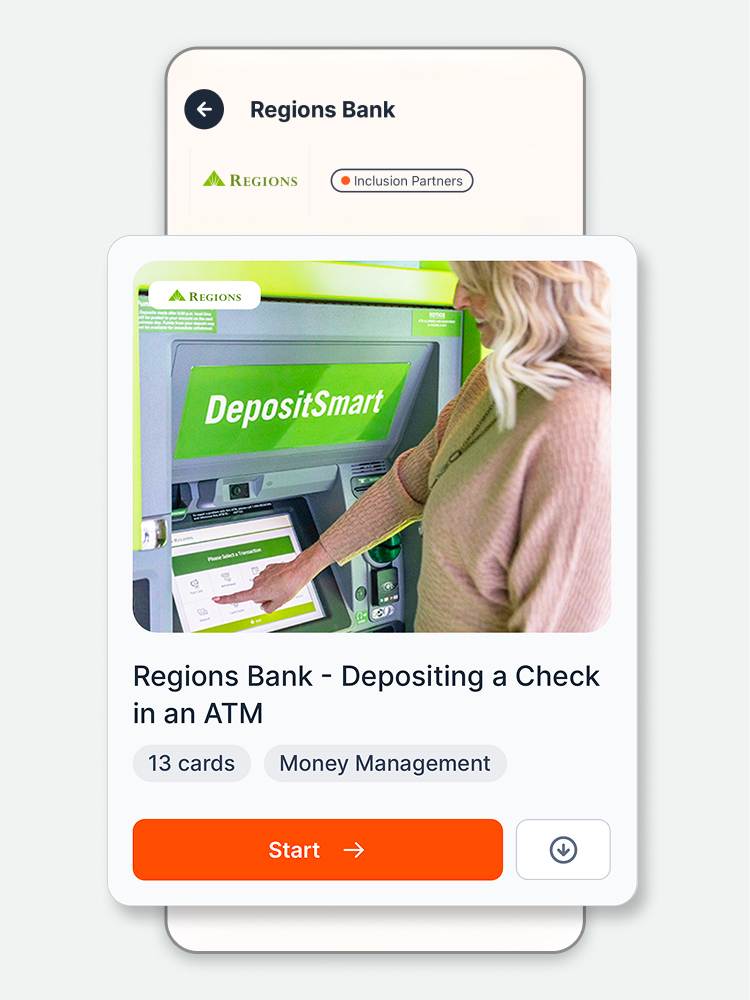
Deposit a check at a Regions ATM
Get step-by-step instruction for depositing a check at a Regions Automated Teller Machine or ATM, from the Regions Bank - Depositing a Check in an ATM card deck.
Banking activity:
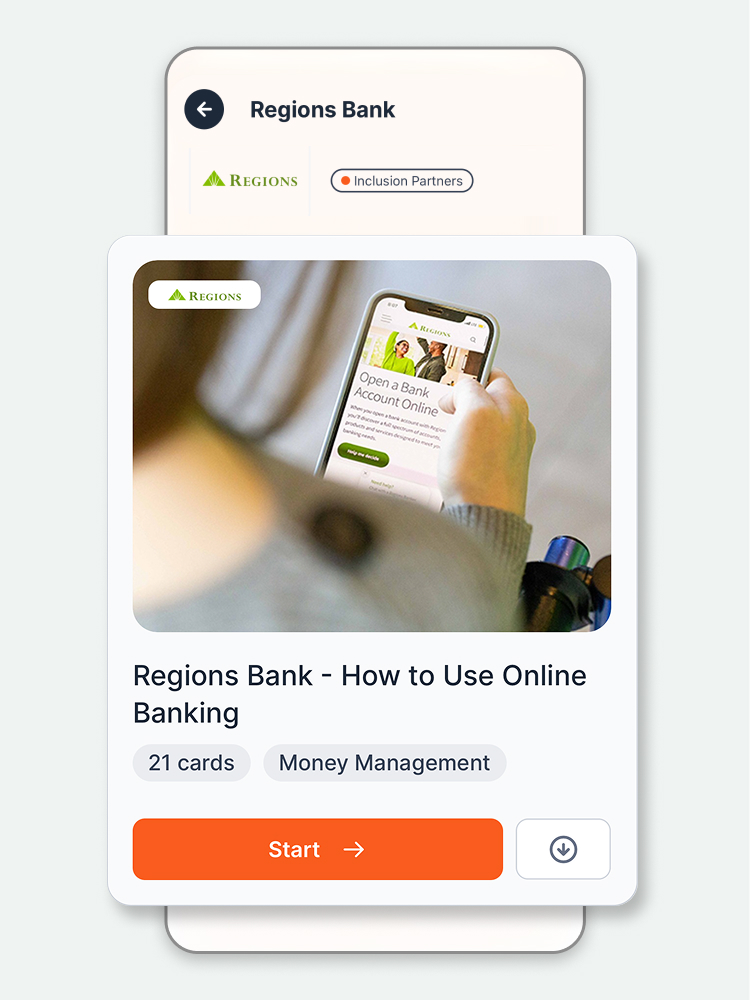
Online Banking
Select the Regions Bank - How to Use Online Banking card deck to learn how to use Regions Online Banking4.
Banking activity:
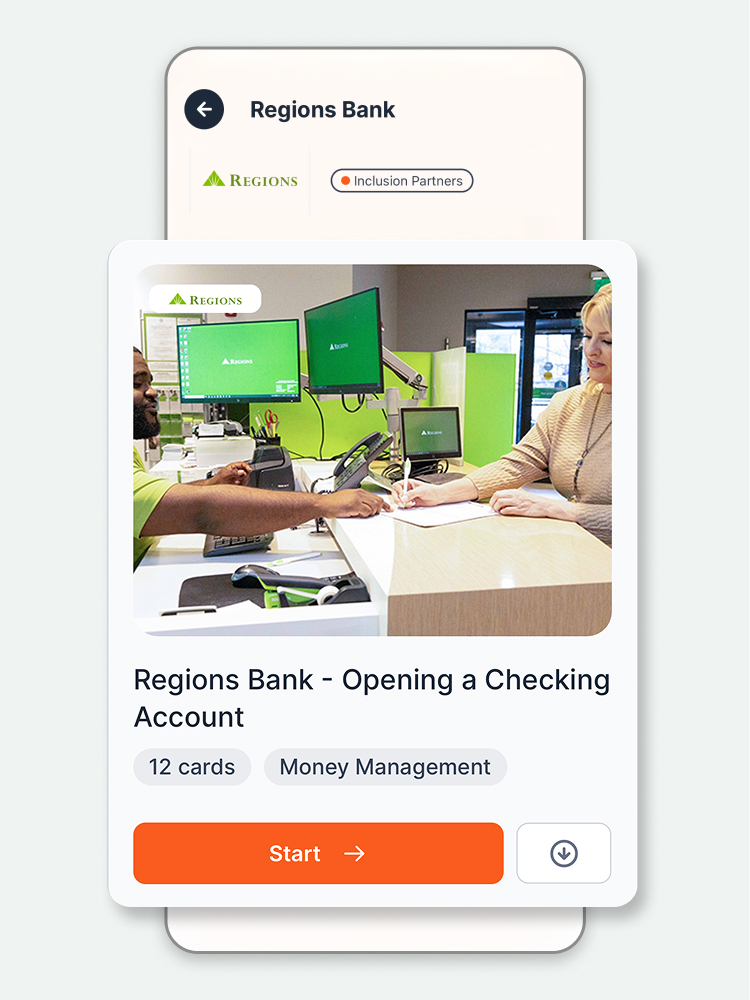
Open a checking account
Use the Regions Bank - Opening a Checking Account card deck to learn how to open a Regions checking account.
Banking activity:
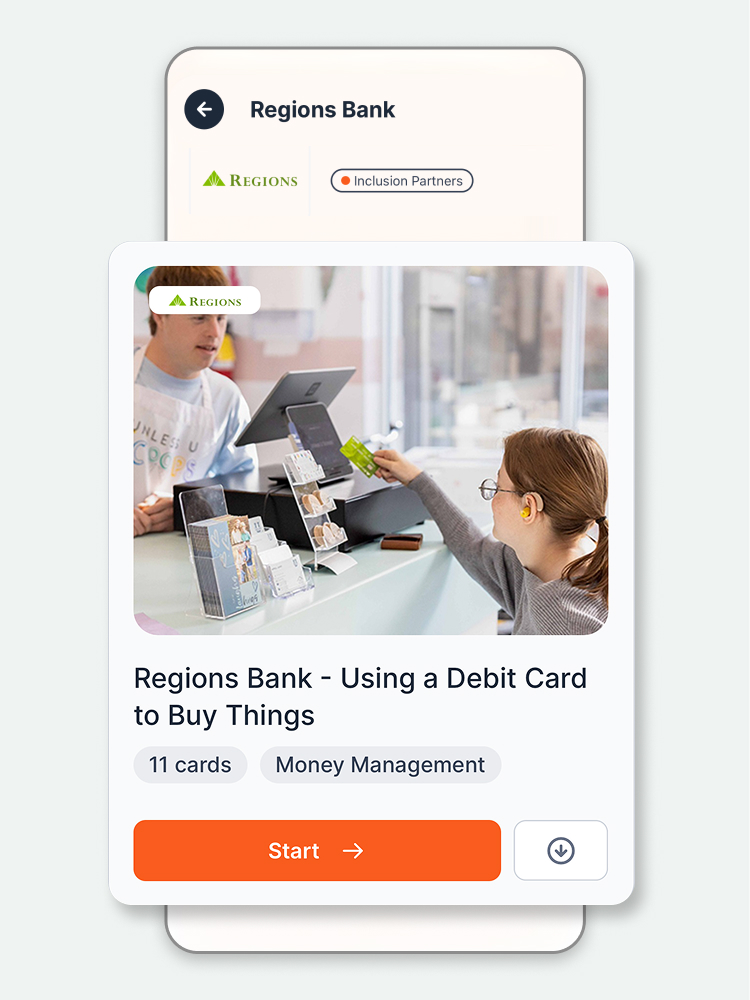
How to use a debit card for purchases
Follow the step-by-step instructions in the Regions Bank - Using a Debit Card to Buy Things card deck to learn how to use a debit card.
Banking activity:
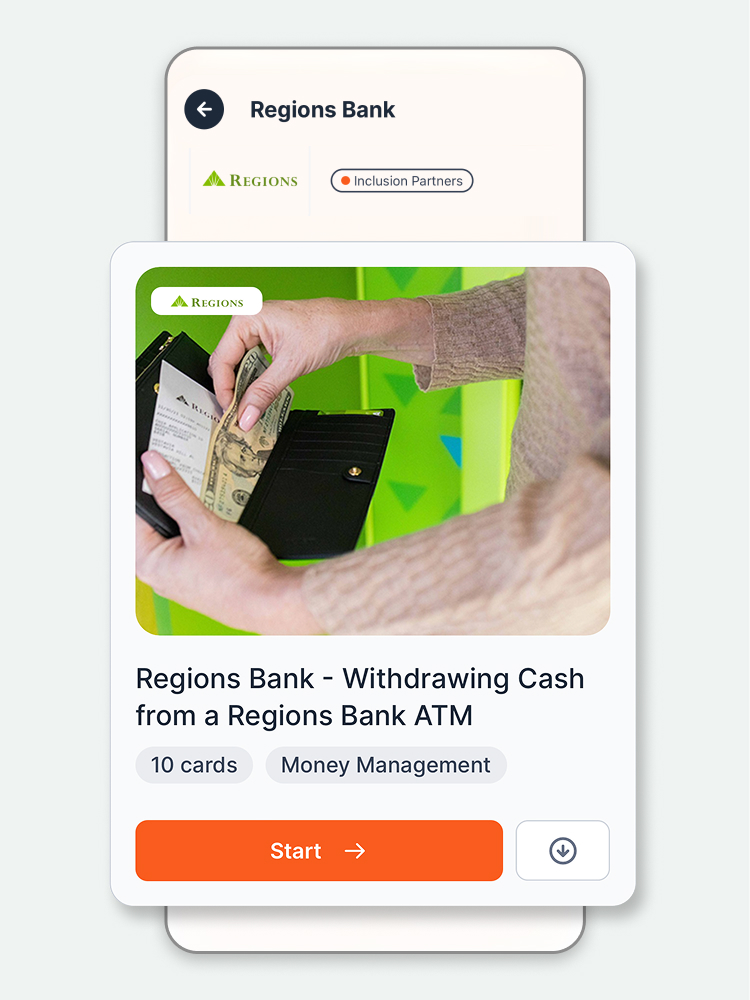
Withdraw cash from an ATM
Select the Regions Bank - Withdrawing cash from a Regions Bank ATM5 card deck to learn how to withdraw cash from a Regions ATM.
Access your Regions account through Online Banking
Banking is easy and safe with Regions Online Banking4. Monitor your accounts, make payments, move money, and more, whenever you want from anywhere.
Helping neurodivergent customers gain more financial confidence
Read how MagnusCards®, available through Regions Bank, help users take care of everyday banking needs.