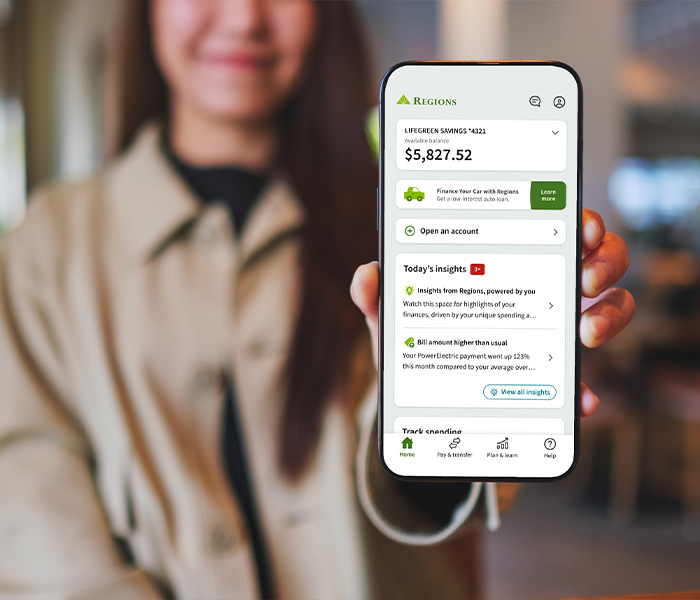
Insights for you
We provide a wealth of information for your financial toolkit: hundreds of articles, podcasts, calculators, and planning resources. Now, we're bringing insights to you in the mobile app — built just for you.1 Personalized for you and powered by your unique spending and saving patterns, these are financial highlights to keep you focused on the go.
To access your account in the mobile app, enroll in Online Banking.1


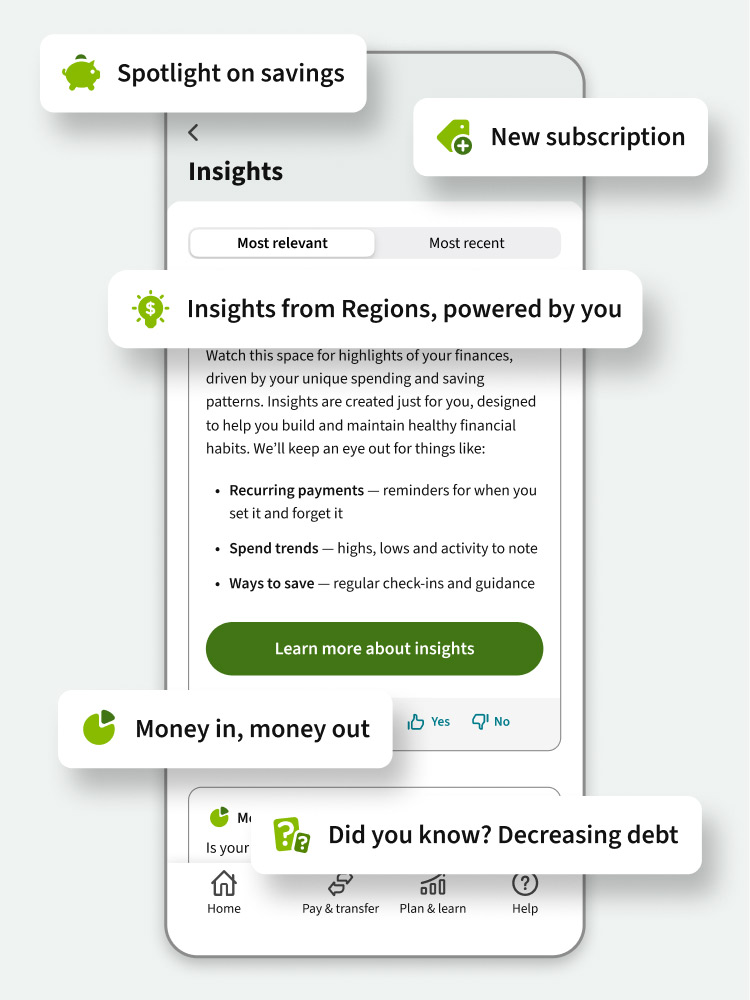
Insights in the Regions Mobile app, powered by you
Dig deeper into your everyday spending and saving patterns. Learn the ways your habits feed your financial future.
- How small changes make big money moves over time: Track financial highs and lows, and get tips you can put into action.
- Where savings wins can put you closer to your goals: Uncover opportunities for growing a foundation of funds you can count on.
- What's happening to those set-it-and-forget-it payments: Keep an eye on recurring and automatic payments that can fly by in a busy life.
Learn more about insights
Build and maintain healthy financial habits
Budget on the go
Build the best insights
How the data is used
FAQs
From the home screen of the mobile app, scroll to Today’s insights and tap View all insights.
Scroll to the end of your insights view and tap Learn about insights.
Toggle the green Show insights button to hide and follow the prompt. To show insights, tap on Show next to Today’s insights on the home screen and follow the prompt.
From the home screen, scroll to Today’s insights and tap View all insights.
Scroll to the end of your insights view and tap Help us improve. To share ideas about new topics you'd like to see, select the option provided and write in your suggestions.
To report incorrect information in the feedback form, select Data accuracy and provide details.

Manage money on the go
Download the Regions Mobile app, available in English and Spanish.2 Securely manage your money, deposit checks, chat with Reggie, our virtual assistant, and gain insights on your spending and savings patterns all from your smart device. Enroll in Online Banking today to access your account in the mobile app.1