
Welcome to Regions
Financial confidence starts with 5 easy steps.
Step 1: Set up online banking
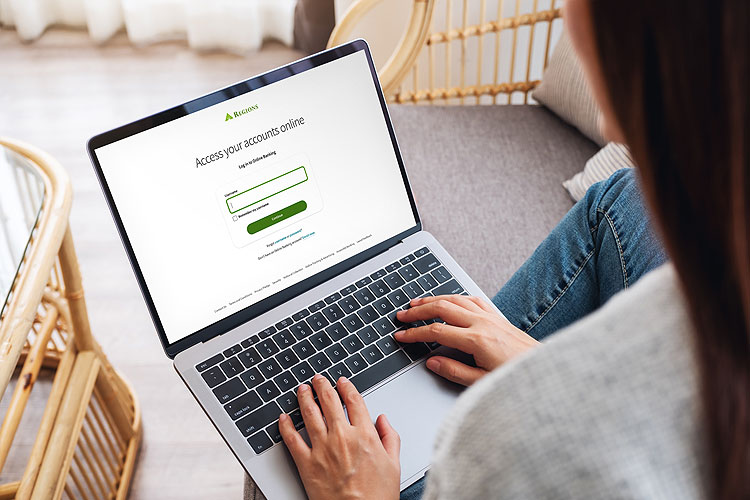
Banking on the go is easy and safe with online banking.1 Monitor your accounts, track your spending, pay bills, move money, and more.
Step 2: Download our mobile app
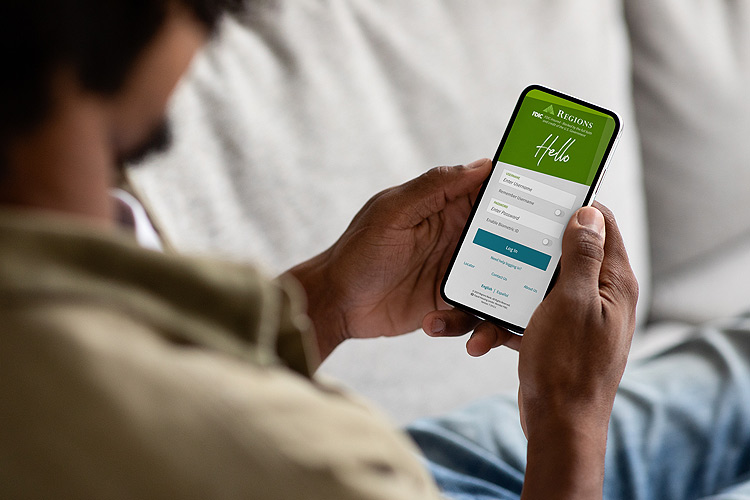
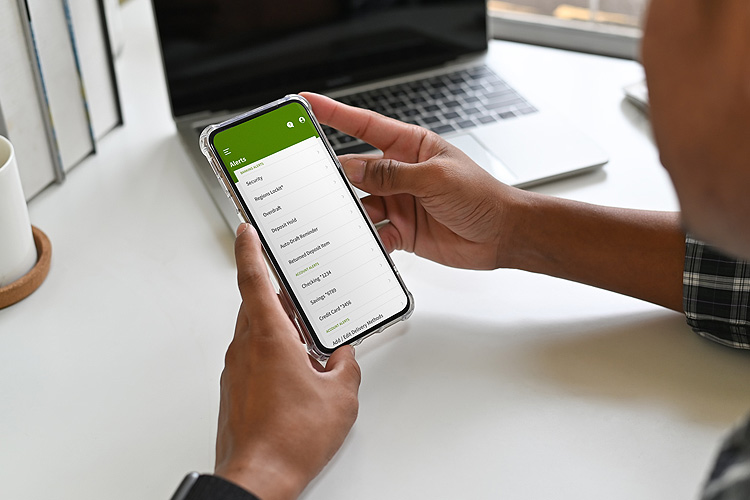
Download the mobile app1 and make your life easier with phone or tablet access to budgeting tools, account alerts, virtual banking options and more.


Step 3: Fund account
You can fund your account by using a debit or credit card, transferring money from another bank to your Regions account or transferring from another existing Regions account via the link below or by visiting your local Regions branch.
You can also set up Direct Deposit of your payroll or Government payments directly into your account and you may even get your deposit up to 2 days early with Early Pay.2 Use Direct Deposit Switcher in the Regions Mobile app or Online Banking to set it up securely in just a few steps. Learn more about setting up direct deposit.


Step 4: Transfer money and pay
Move money where you need it, when you need it.
Refer a friend and earn up to $500 a year in rewards
Refer a friend and you can earn:
A $50 reward for every qualifying referral who opens a new Regions personal checking account and fulfills all requirements of the offer.
A $150 reward for every qualifying referral who opens a new Regions business checking account and fulfills all requirements of the offer.
Smart solutions to help you succeed


Track finances on the go with My GreenInsights®
